Works without a signal
Everything is stored on the phone. No account, no upload, no waiting for coverage on site.

SiteBrief helps you photograph the site, record approximate measurements and access notes, and share a clear PDF brief with the person who will assess the job.
Collects information for a later professional assessment. It does not design scaffolds or certify safety.

Try SiteBrief here
The real app with example surveys. Take photos with the demo camera, add pins and measurements, and create the PDF.
Runs in your browser. Nothing is uploaded.
Example data only. The demo works best with a mouse or touch; it may not work well with screen readers, and the rest of this site describes the same features.
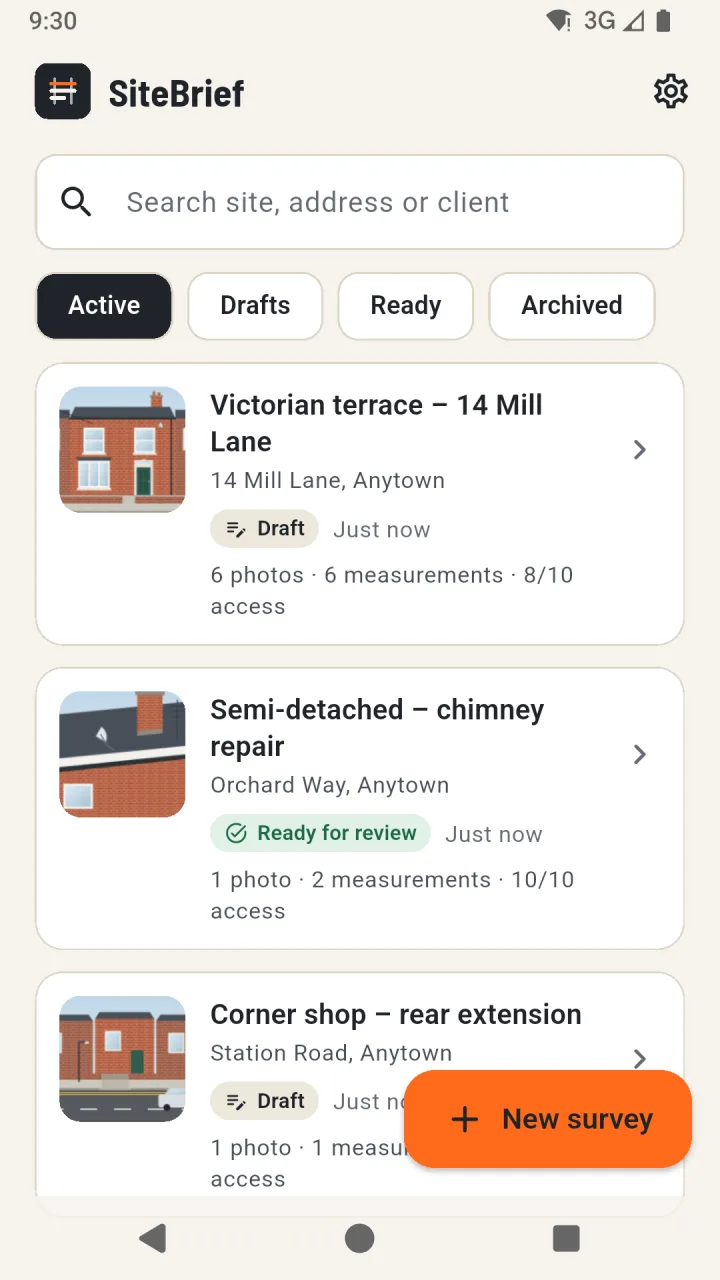
Fill the survey in any order. Everything saves on the phone as you go.
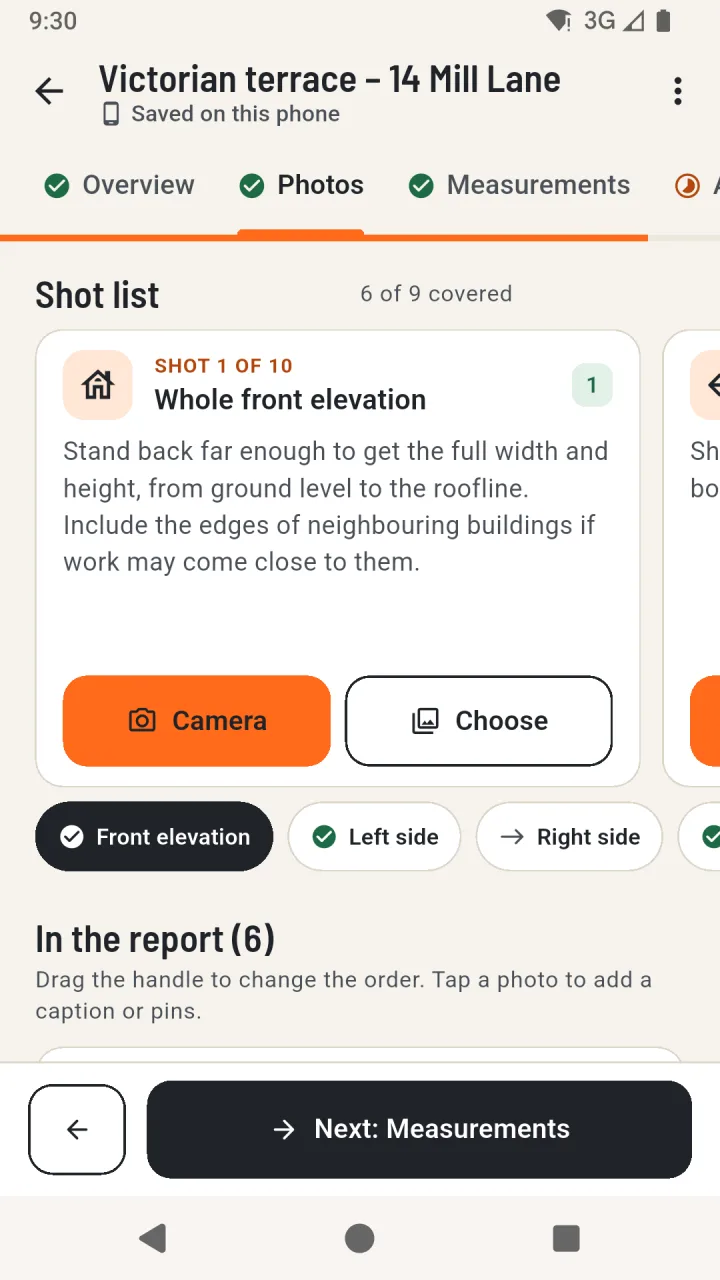
A guided shot list prompts you to photograph each elevation, the delivery route, the ground and anything in the way.

Record approximate measurements with where each value came from, answer access questions and note what still needs checking.

Create a structured PDF on your phone and send it to the person who will assess the job and prepare the quote.
Everything is stored on the phone. No account, no upload, no waiting for coverage on site.
Ten shot prompts cover elevations, roofline, access, ground level, obstructions and details to check.
Each value is labelled as measured on site, provided by the client or estimated, in metric or imperial.
Delivery access, unloading, gates, narrow passages, overhead cables and other observations in one place.
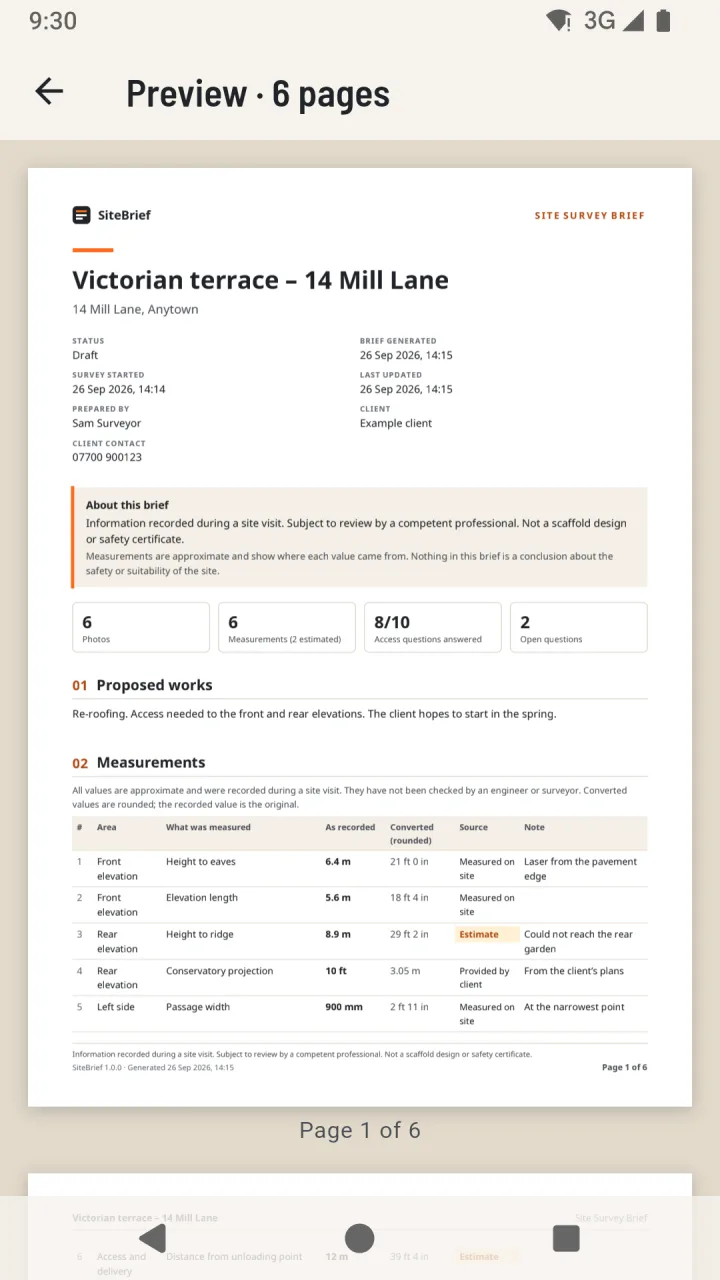
Numbered sections, photo captions and pins, open questions and page numbers - ready to share.
No adverts, analytics or tracking. Location data is removed from photos when they are added.
Pages from a sample brief created by the app with fictional example data.
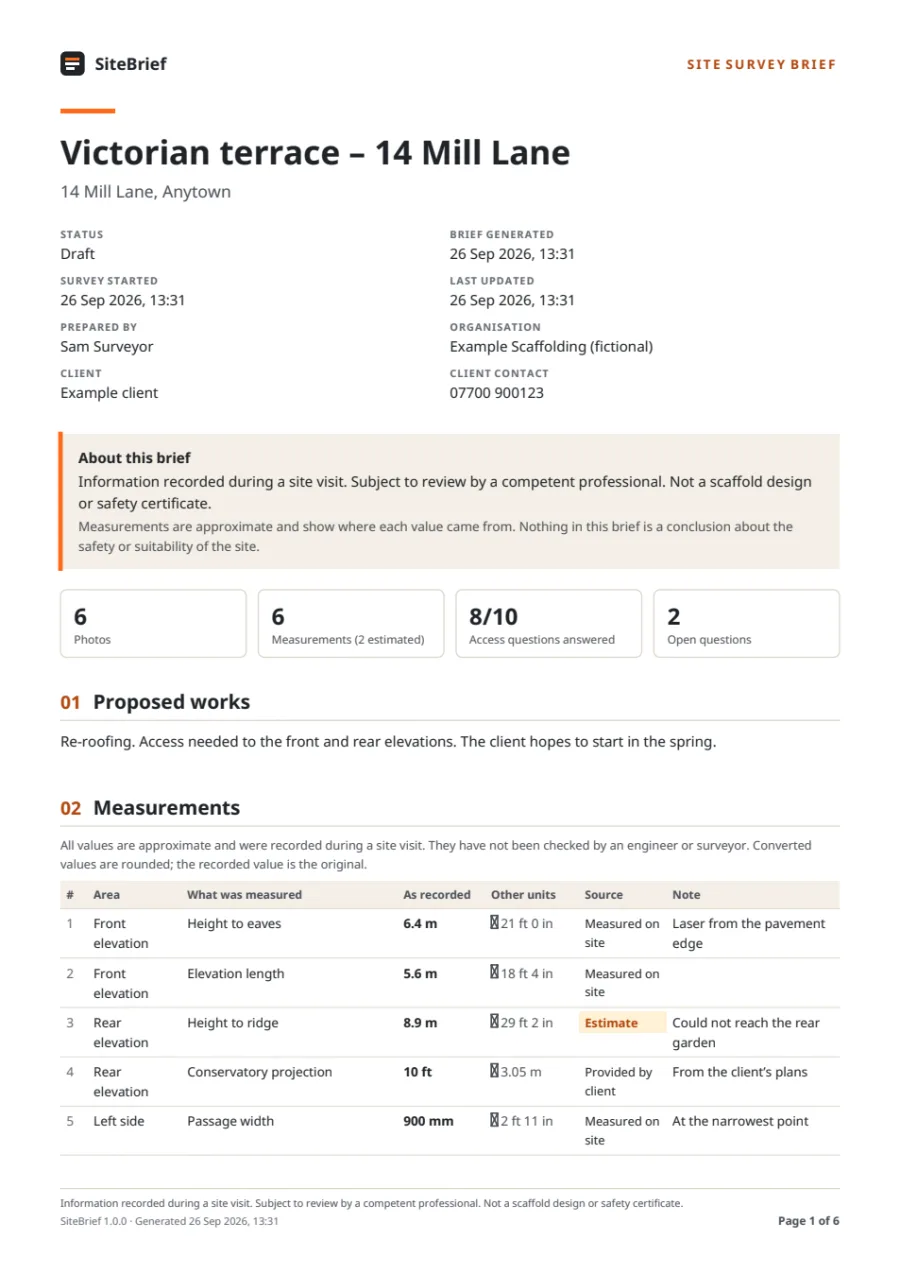
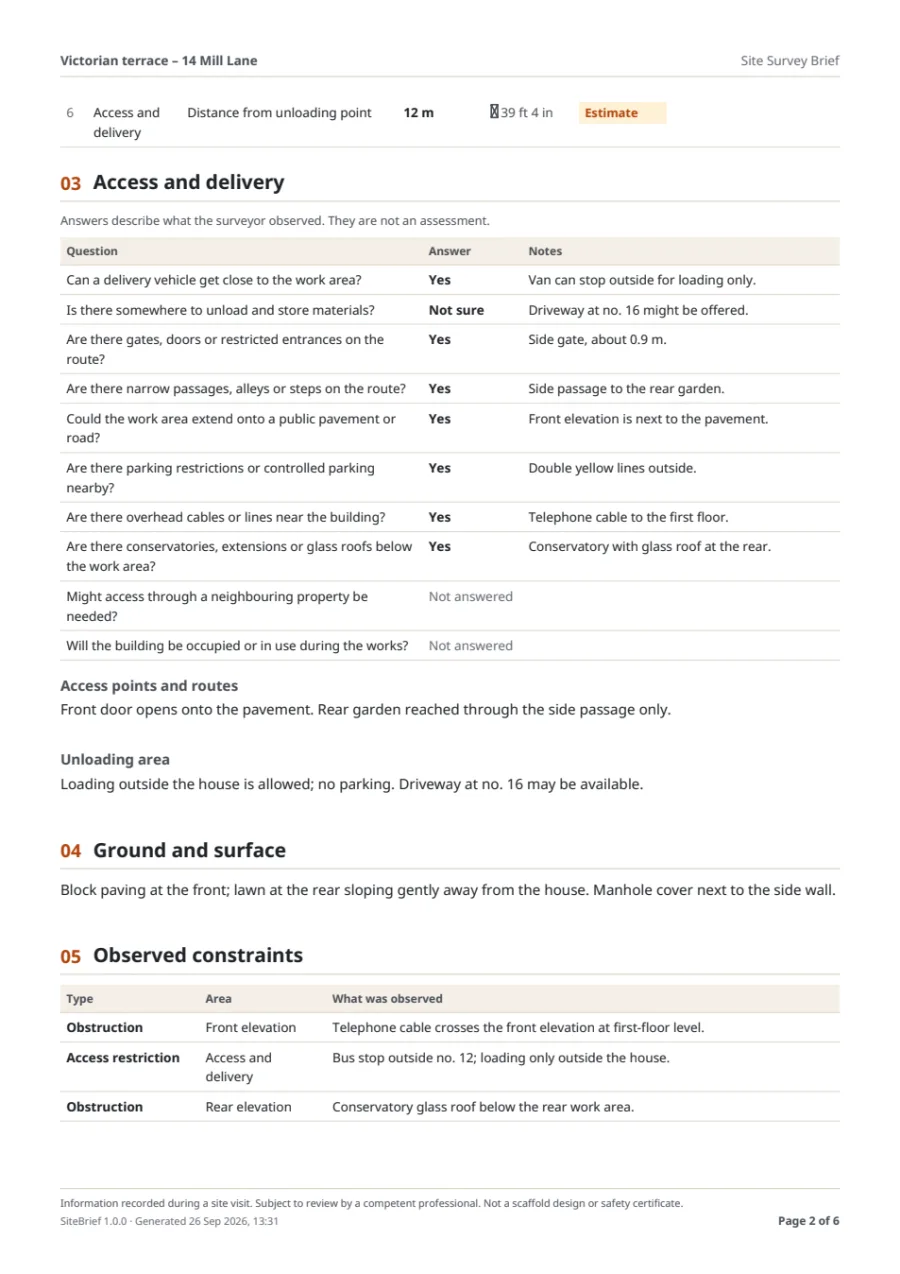
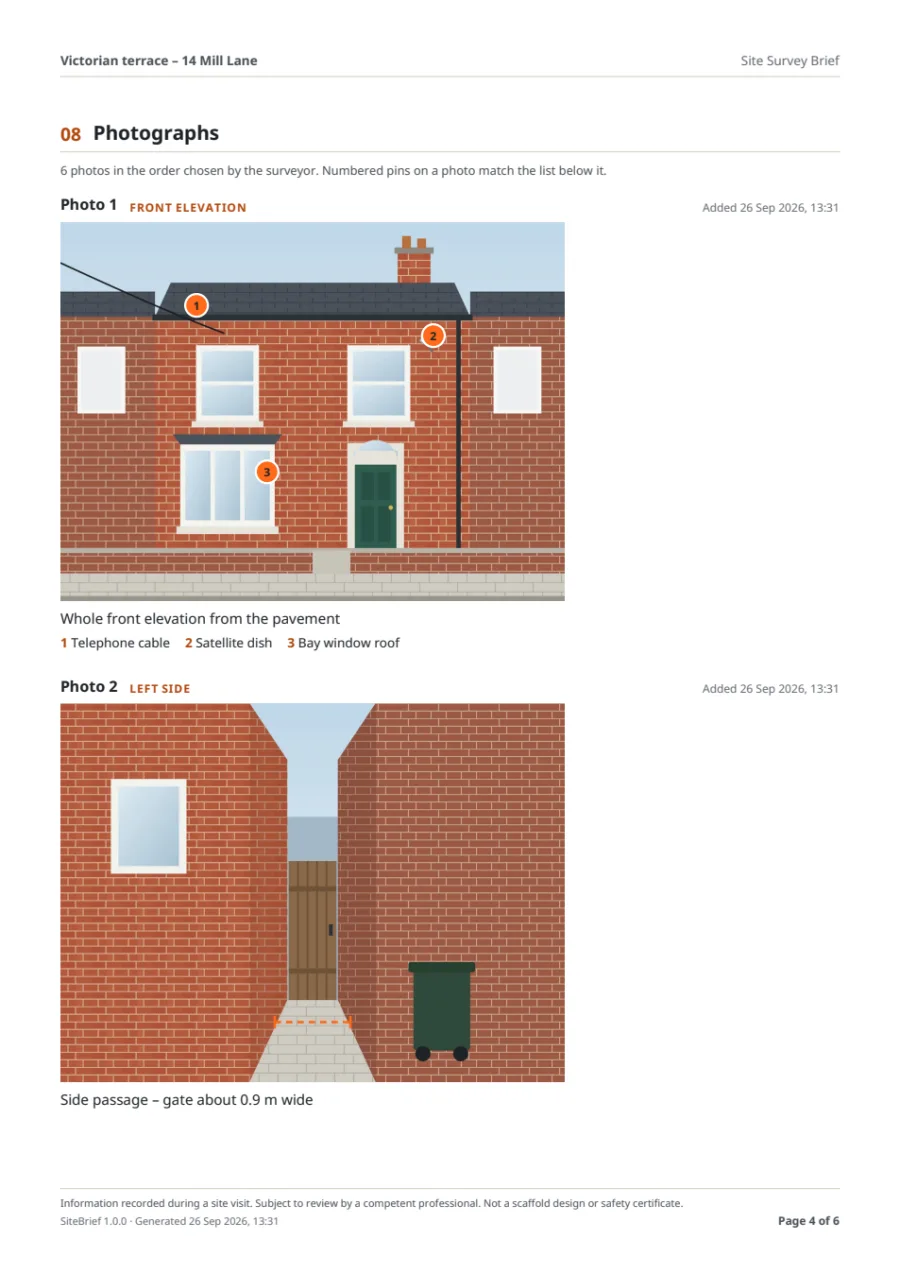
Tap a page to enlarge it, or create a brief yourself in the live demo.
“Information recorded during a site visit. Subject to review by a competent professional. Not a scaffold design or safety certificate.”
This statement is printed on every PDF. The example photos are illustrations, not pictures of a real site.
A UK company registered in England and Wales (company number 17459619). Company details