
Try SiteBrief in your browser.
This is the real app, running on a demo phone with example surveys. Tap around, use the phone’s Back and Home buttons, and create a PDF brief.
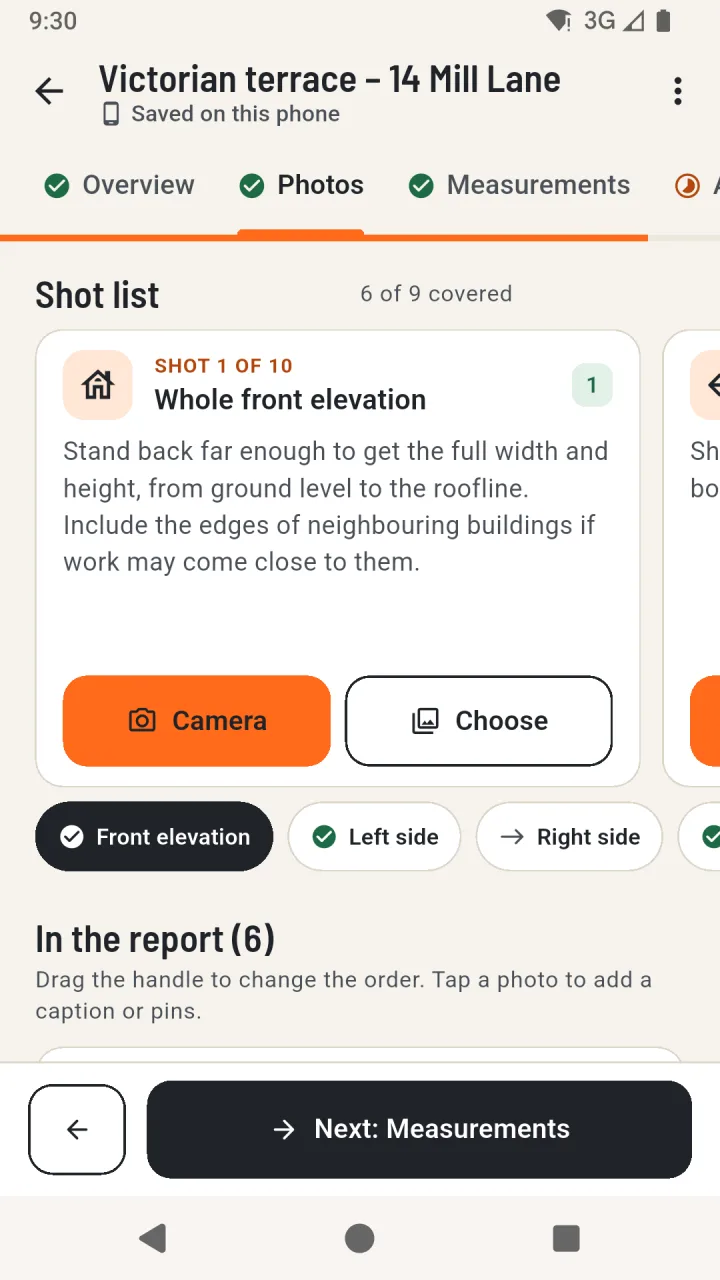
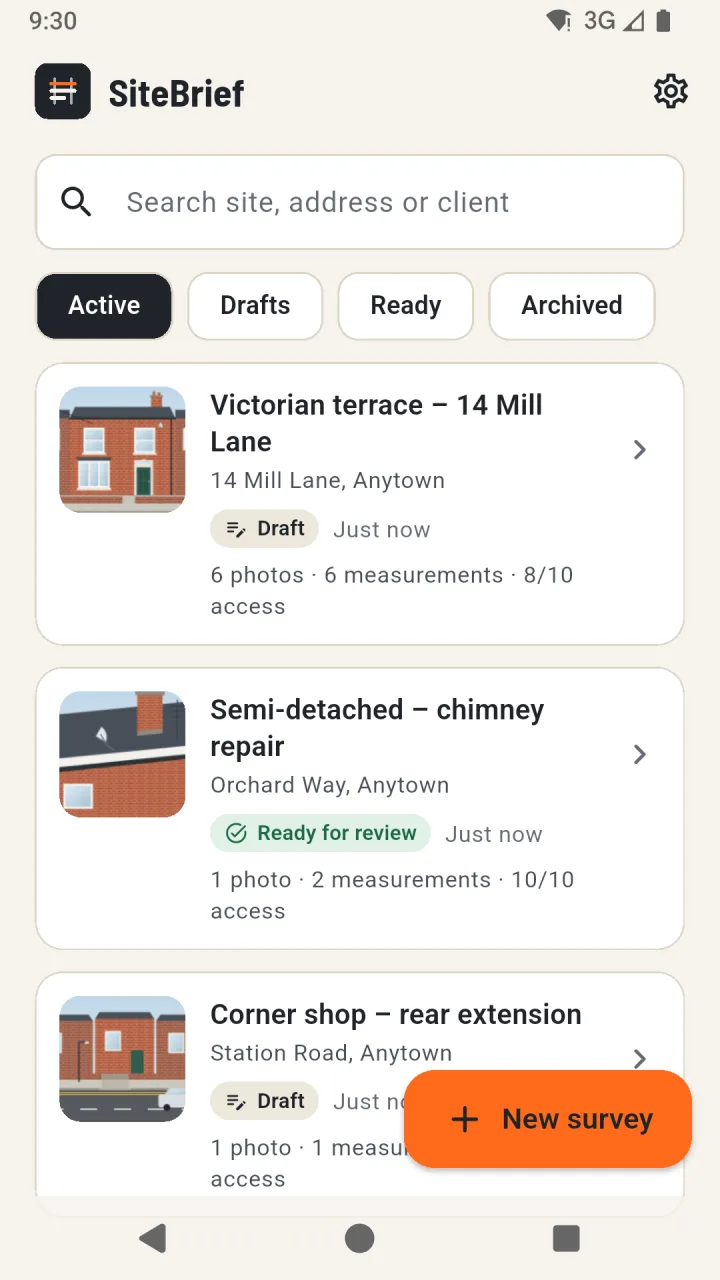
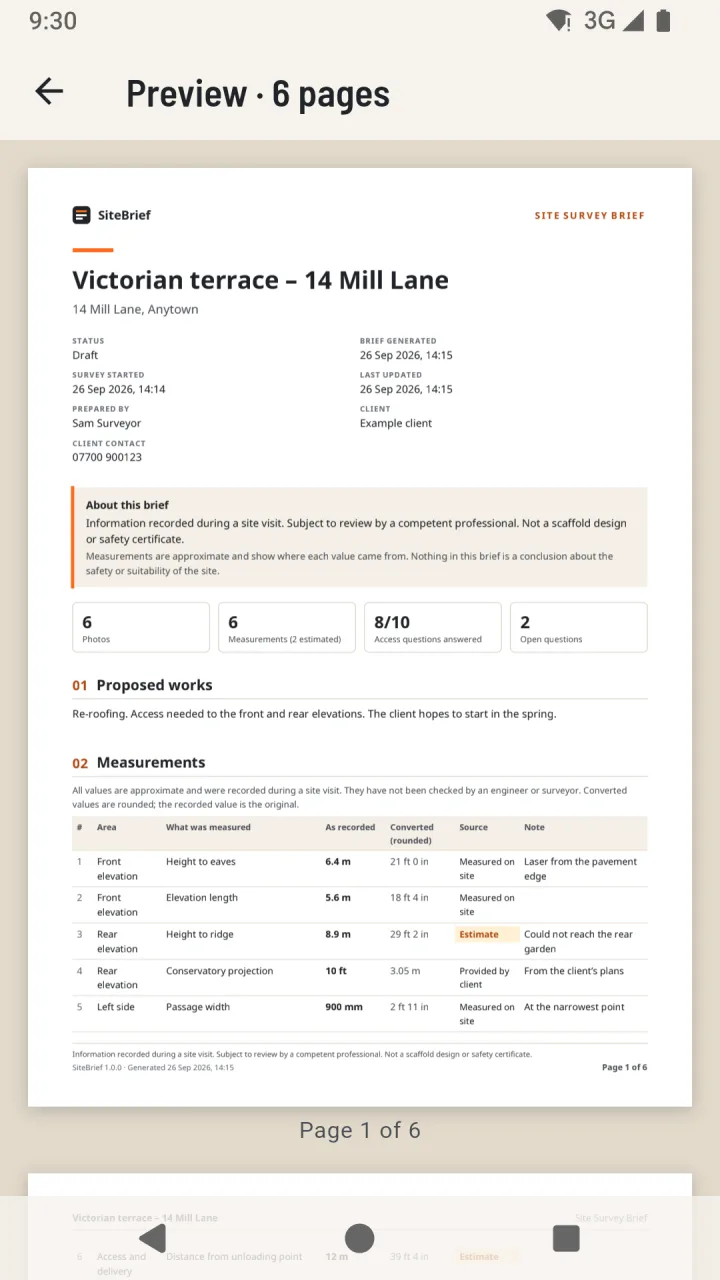

Try SiteBrief here
The real app with example surveys. Take photos with the demo camera, add pins and measurements, and create the PDF.
Runs in your browser. Nothing is uploaded.
Example data only. The demo works best with a mouse or touch; it may not work well with screen readers, and the rest of this site describes the same features.
Steps tick themselves off as you try them in the demo.
-
Open an example survey
Skip the welcome screens, then open “Victorian terrace – 14 Mill Lane”: photos with pins, measurements and access notes.
-
Take a photo
In Photos, tap Camera. The demo camera shows illustrated scenes: swipe to look around, press the shutter, then OK.
-
Pin something on a photo
Tap a photo, choose Add pin, tap the spot on the photo and give the pin a label.
-
Record a measurement
In Measurements, add a value with its unit and say where it came from: measured, from the client or an estimate.
-
Answer an access question
In Access, answer Yes, No or Not sure and add a note. The app records observations and draws no conclusions.
-
Create the PDF brief
Use the ⋮ menu and Create PDF brief, then Preview. Save copy downloads the PDF to your computer.
How the demo works
- The same app code as on Android, compiled for the web.
- Everything stays in this browser tab: no account, no upload, no cookies. Reloading the page starts again.
- Photos you choose from your own device are processed in your browser and never leave it.
- A browser has no camera app to hand over to, so the camera shows illustrated example scenes. Backups are only in the Android app.